Fast marketing moves mean you do not always have weeks to wait for a box of catalogs. Whether you have a trade show in downtown Los Angeles tomorrow or a last-minute pitch meeting, understanding the mechanics of rush booklet printing is the difference between a professional presentation and showing up empty-handed. We see it all the time at our Arts District shop: a client needs 50 high-quality guides by 4:00 PM. It is doable, but success depends on your file prep and knowing which specs allow for speed.
What is the fastest turnaround for rush booklet printing?
Rush booklet printing timelines for local Los Angeles orders range from 4 to 24 hours depending on quantity and finishing. Standard digital production for 8.5 x 11 saddle-stitched booklets on 100lb gloss text paper typically requires a 10:00 AM PST file submission for same-day pickup. High-volume orders exceeding 500 units or custom die cuts extend lead times by 48 hours.
| Category | Fast Track Spec | Notes |
| Production Time | 4 to 24 Hours | Requires print-ready PDF |
| Standard Quantity | 10 to 250 Units | Ideal for digital press speed |
| Cutoff Time | 10:00 AM PST | Late files move to next day |
| Pickup Location | Los Angeles Arts District | Local courier options available |
Picking the right paper for speed
When you are in a hurry, sticking to house stocks is a smart move. We keep specific papers on the floor because they run through our digital presses without jams or drying delays. If you choose an unusual or heavy felt paper that we have to special order, your rush project will take significantly longer.
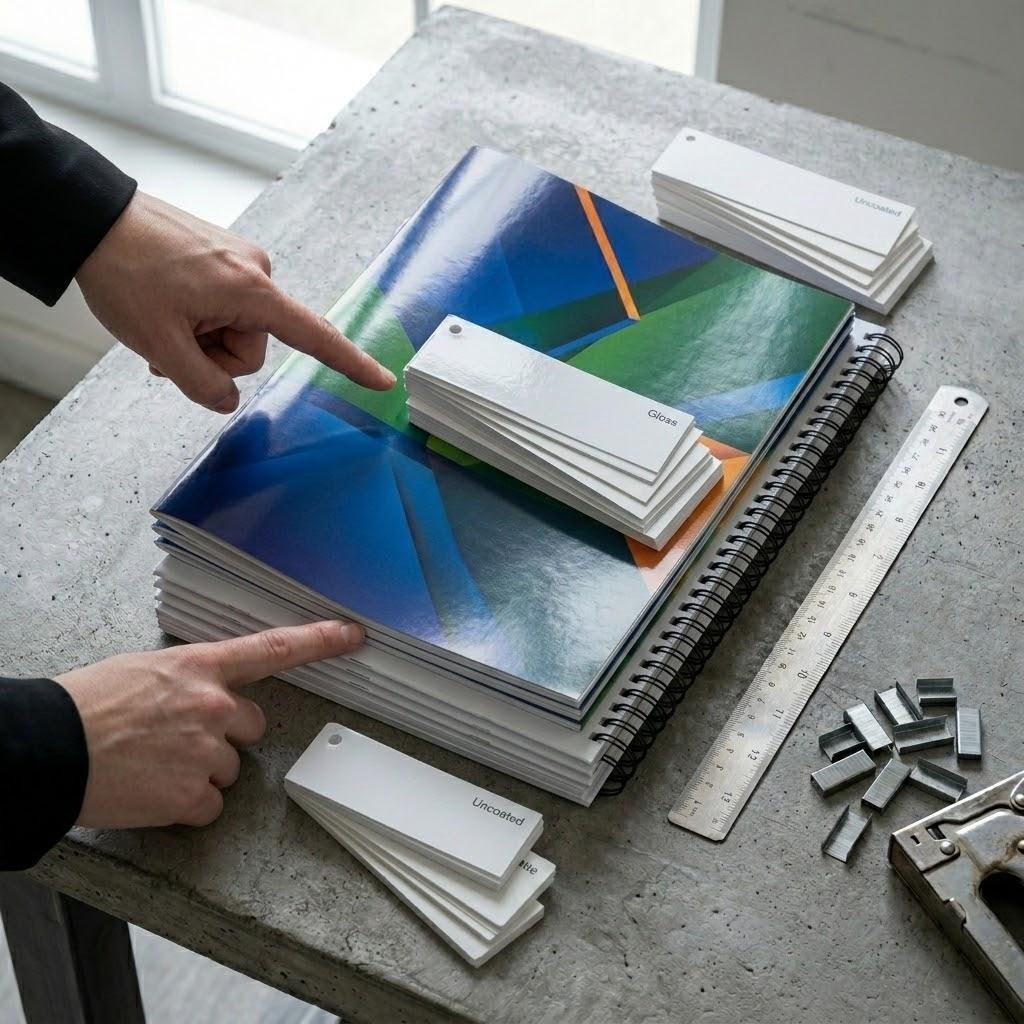
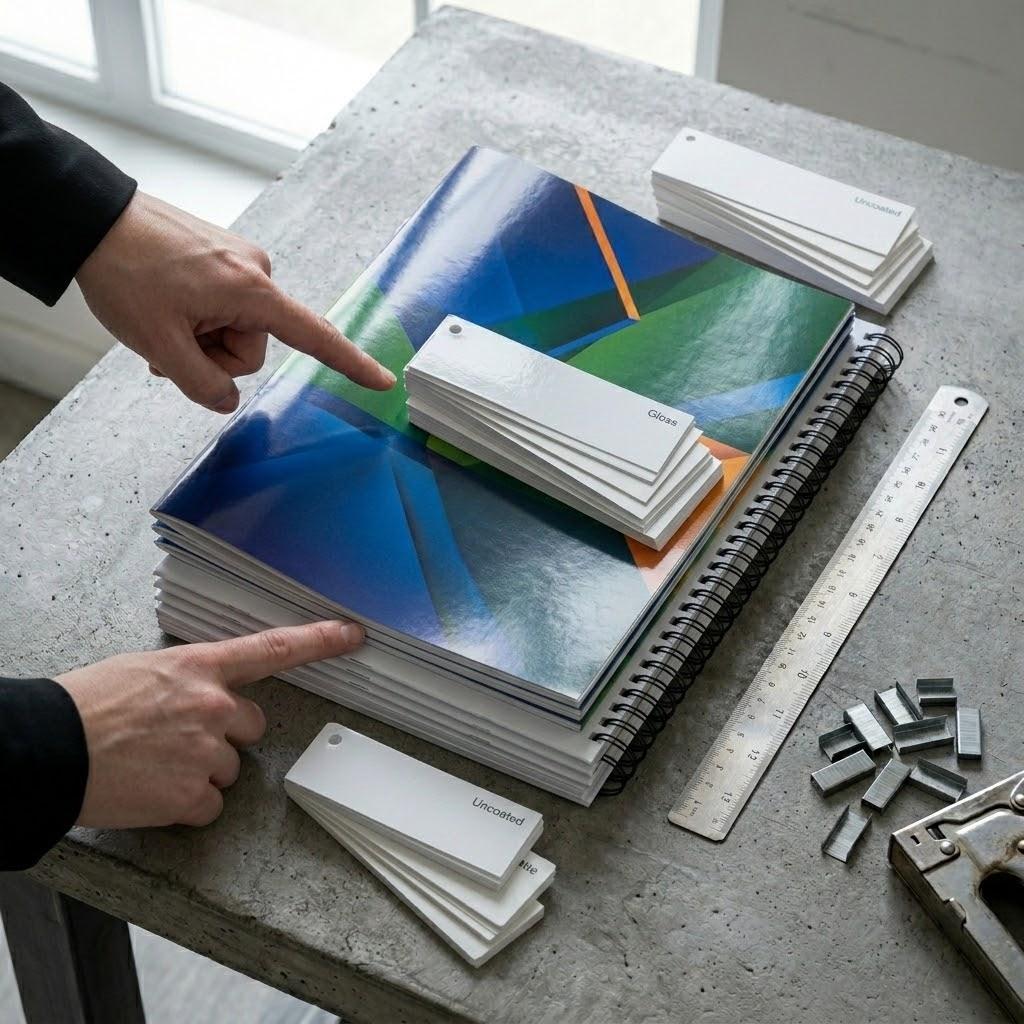
If the goal is a professional look that feels expensive, go with 100lb Gloss Text for the inside pages. It is thick enough to prevent “see through” where the ink from one side shows on the other. For the cover, 80lb or 100lb Gloss Cover adds that necessary rigidity. If you want something easier to write on, like a workbook, we suggest a 70lb Uncoated Text.
Decision Logic for Paper Selection:
- If your booklet has high-resolution photography, then use 100lb Gloss Text for color pop.
- If you expect people to take notes inside, then choose 70lb Uncoated Text.
- If the booklet is a premium brand lookbook, then add a “Self Cover” using the same heavy stock throughout.
The staples and binding reality
Most people call them staples, but in the print world, we call it saddle stitching. It is the fastest way to bind a booklet. We take your sheets, fold them in half, and drive two wire staples through the crease. This method is perfect for rush booklet printing because it happens inline or on a quick finishing machine.
There is a catch: your page count must be a multiple of four. You cannot have a 10-page saddle-stitched booklet. It has to be 8, 12, 16, or 20. If you send us 10 pages, we have to add two blank pages at the end, which might mess up your design flow.
If your document is too thick (usually over 60 pages), staples will not work. The booklet will “spring” open and look messy. At that point, you have to move to wire-o or coil binding. These take longer because we have to punch holes in every single sheet. For true speed, keep your page count low and stick to the staples.
Avoiding the “Out of Safety” trap
Remember that the biggest delay in rush booklet printing is not the machine speed. It is the file. When we open a PDF and see text right on the edge of the page, we have to stop. If we print it as is, our industrial cutters might chop off your contact info.
Suggestions:
- Use a 0.125-inch bleed on all sides if your images go to the edge.
- Keep all important text at least 0.25 inches away from the trim line.
- Export your PDF in CMYK color mode to avoid weird shifts from bright RGB screen colors.
If you are worried about the “creep,” which is when the inner pages stick out further than the outer pages after folding, do not sweat it. Our software handles that adjustment. Just give us a clean file with the right margins, and we can hit that deadline.
Designing for the digital press
Digital printing has come a long way. You do not need to wait for offset plates to dry anymore. However, large areas of solid dark colors can be tricky on a rush order. If your back cover is solid black, it might show scuffs or fingerprints more easily if we pack it up the second it comes off the press.
We recommend using “Rich Black” for your backgrounds. Instead of just 100% Black ink, use a mix like 60% Cyan, 40% Magenta, 40% Yellow, and 100% Black. This creates a deep, matte look that hides minor imperfections.
If you are printing a catalog for a gallery or a fashion brand, color accuracy is everything. On a rush, we do not always have time for three rounds of physical proofs. We suggest ordering a single “press check” unit if you can spare two hours. You come by the shop, look at one finished copy, and give us the thumbs up to run the rest.
Shipping versus local pickup
In Los Angeles, traffic is the ultimate budget-killer. If you need your booklets for an event at the Convention Center, do not rely on standard ground shipping. Even a “Next Day” air shipment can get delayed by a truck breakdown.
We offer local pickup at our shop, or we can coordinate a courier. A courier is often cheaper and more reliable than a big shipping company for short distances. If you are outside of LA we can ship, but the “rush” part of the job applies to our production time, not the time the box spends on a plane. Always factor in that transit window when you calculate your “must have” date.
Common pitfalls with booklet sizes
While 8.5 x 11 is the standard, 5.5 x 8.5 is a very popular “half size” for programs and zines. These are actually faster for us to produce because we can print two at a time on a larger sheet. If you are on a tight budget and a tight clock, the smaller size is a winner.
Avoid custom sizes like 7.25 x 9.1 inches unless you really need them. Custom sizes require manual setup on our cutters. Every minute we spend programming a machine is a minute your booklets are not being boxed up. Stick to the standard sizes to keep the gears moving fast.
FAQ About Fast Booklets
Can I print a booklet with an odd number of pages? No. Because booklets are made of folded sheets, each sheet creates four numbered pages. Your total page count must be divisible by four. If your content is 13 pages, we will include three blank pages at the end to reach 16.
What is the difference between a self cover and a plus cover? A self cover uses the same paper weight for the entire booklet. A plus cover uses a heavier, thicker stock for the outside wrap. Self covers are slightly faster to produce because the press does not need to swap paper mid-job.
Do you offer laminating on rush orders? We can add gloss or matte lamination to the cover, but this usually adds 24 hours to the timeline. The plastic film needs time to bond properly before we fold and staple the booklets.
What file format do you prefer? A high-resolution PDF with “Press Quality” settings is best. Ensure all fonts are embedded so nothing shifts when we open the file on our workstations.
Get Your Booklets Today
Do not let a looming deadline ruin your marketing launch. We handle the pressure so you do not have to. Our team at Guru Printers is ready to turn your digital files into professional, tactile booklets that help you close the deal.
Call us at (213) 612-4451 or visit our Los Angeles shop to get started. You can also order your booklets online right now to get your project into our production queue immediately.